Home Dashboard
See cash on hand, net worth, monthly cash flow, top expenses, recent transactions, investments, and a financial health score at a glance.
Track multiple accounts, plan budgets, and monitor investments with advanced analytics that stay on your device. Optional iCloud sync keeps PennyFi aligned across iPhone, iPad, and Mac, while privacy‑first architecture ensures you stay in control.
Local‑first storage
Your data lives on device by default
Optional iCloud sync
Stay in sync across iPhone, iPad, and Mac
Privacy‑first architecture
No ad tracking. No data resale.
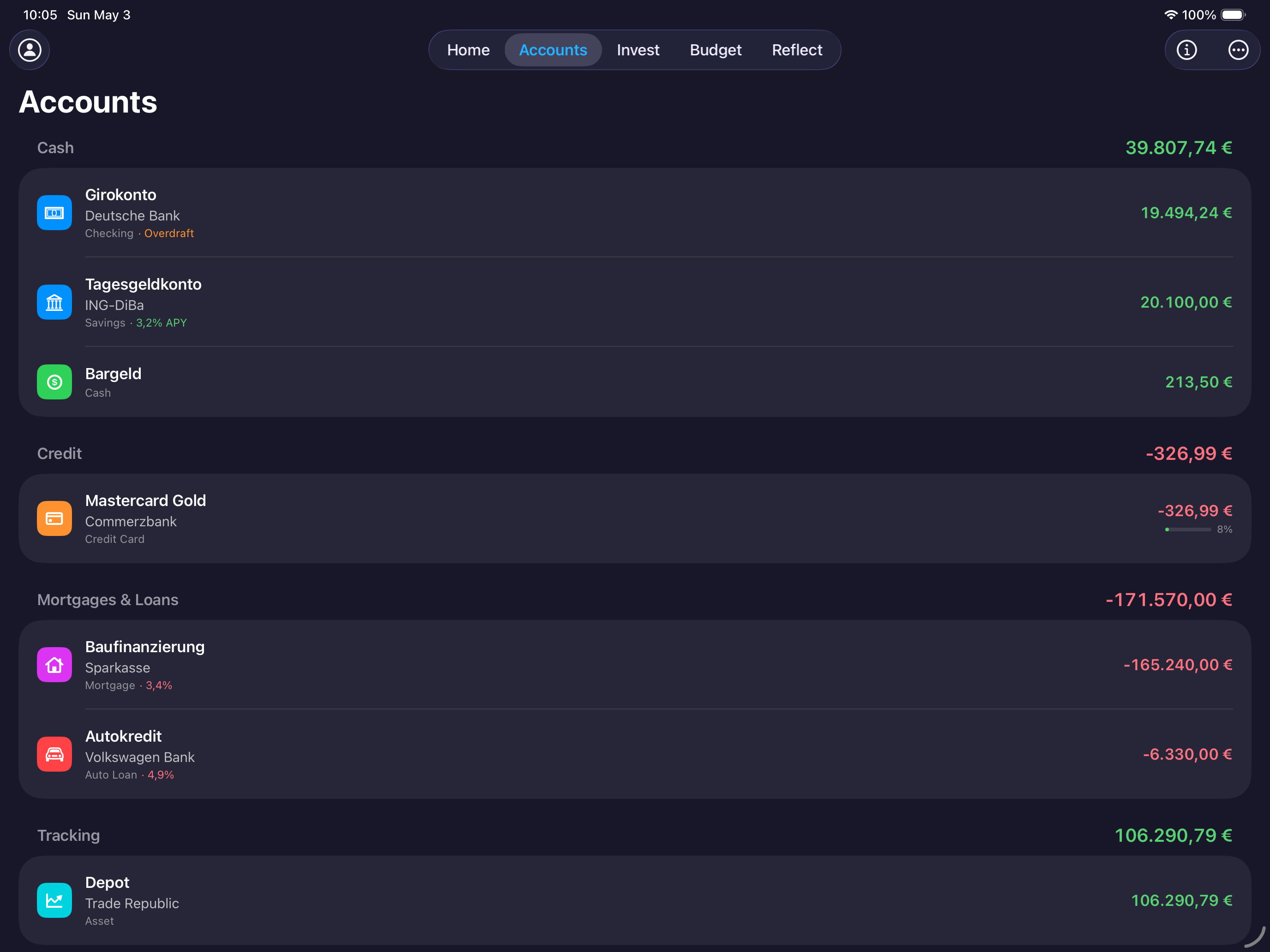
iPad accounts
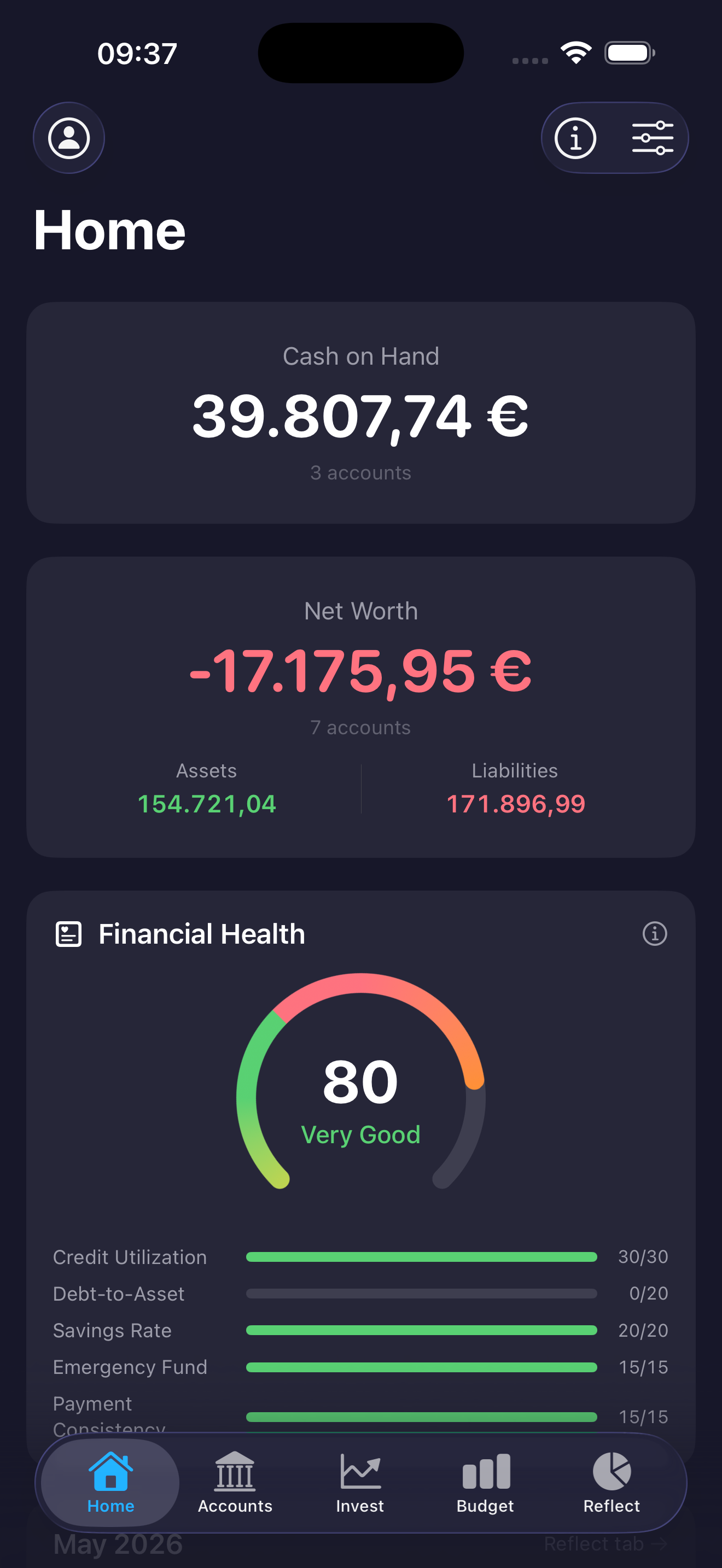
iPhone overview
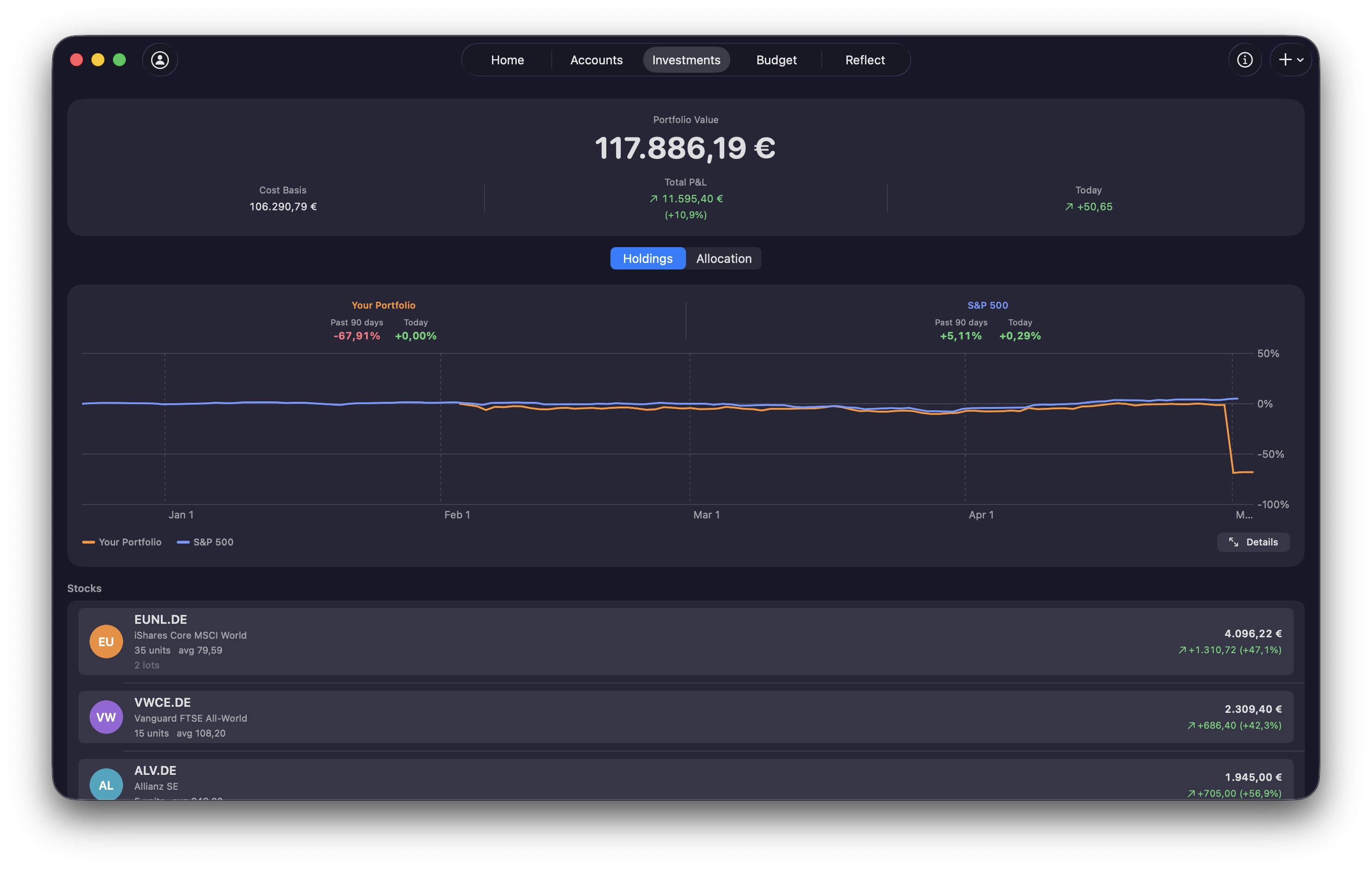
Mac analytics
Features
From daily spending to long-term investing, PennyFi keeps your full financial picture organized and always in reach.
See cash on hand, net worth, monthly cash flow, top expenses, recent transactions, investments, and a financial health score at a glance.
Track 12 account types across 4 categories with credit utilization bars, overdraft flags, loan rates, savings APY, swipe actions, and drag-to-reorder.
Monitor stocks, crypto via real-time pricing sources, and manual assets with allocation charts, gain/loss, performance history, valuation tracking, and multi-currency conversion.
Plan month-by-month with budget vs. actual, rollover categories, Move Money, flexible recurring schedules with due generation, and hierarchical categories across 14 parents and 60+ subcategories.
Explore any time range with cash flow charts, spending breakdowns, a Sankey diagram, trends, and rule-driven automation with matching operators and auto-assign actions.
Manage payees with alias matching and merging, import PDF/CSV/TSV/TXT files, export data or encrypted JSON backups, and personalize with 5 themes, 16 currencies, widgets, app lock, accessibility, and 28+ languages.
Complete personal finance, beautifully organized
PennyFi is a comprehensive personal finance app for iPhone, iPad, and Mac, built with SwiftUI and local‑first SwiftData storage. Track multiple accounts, budgets, and investments in one place, with analytics that surface real spending patterns and net‑worth movement.
Stay consistent with recurring transactions, trusted categories, and payees, plus flexible transaction rules that clean up your ledger automatically. Import and export data whenever you need it, pick themes and currencies that fit your workflow, and use widgets for fast checks at a glance.
Privacy is foundational: encrypted backups, biometric app lock, and optional iCloud sync keep your data safe while staying in your control. PennyFi also supports accessibility features and 28+ localizations, with real‑time pricing sources for investments to keep your view current.
All accounts, one dashboard
Track cash, cards, loans, and investments together for a real-time picture of your finances.
Private by design
Local-first storage with optional iCloud sync keeps your data in your control.
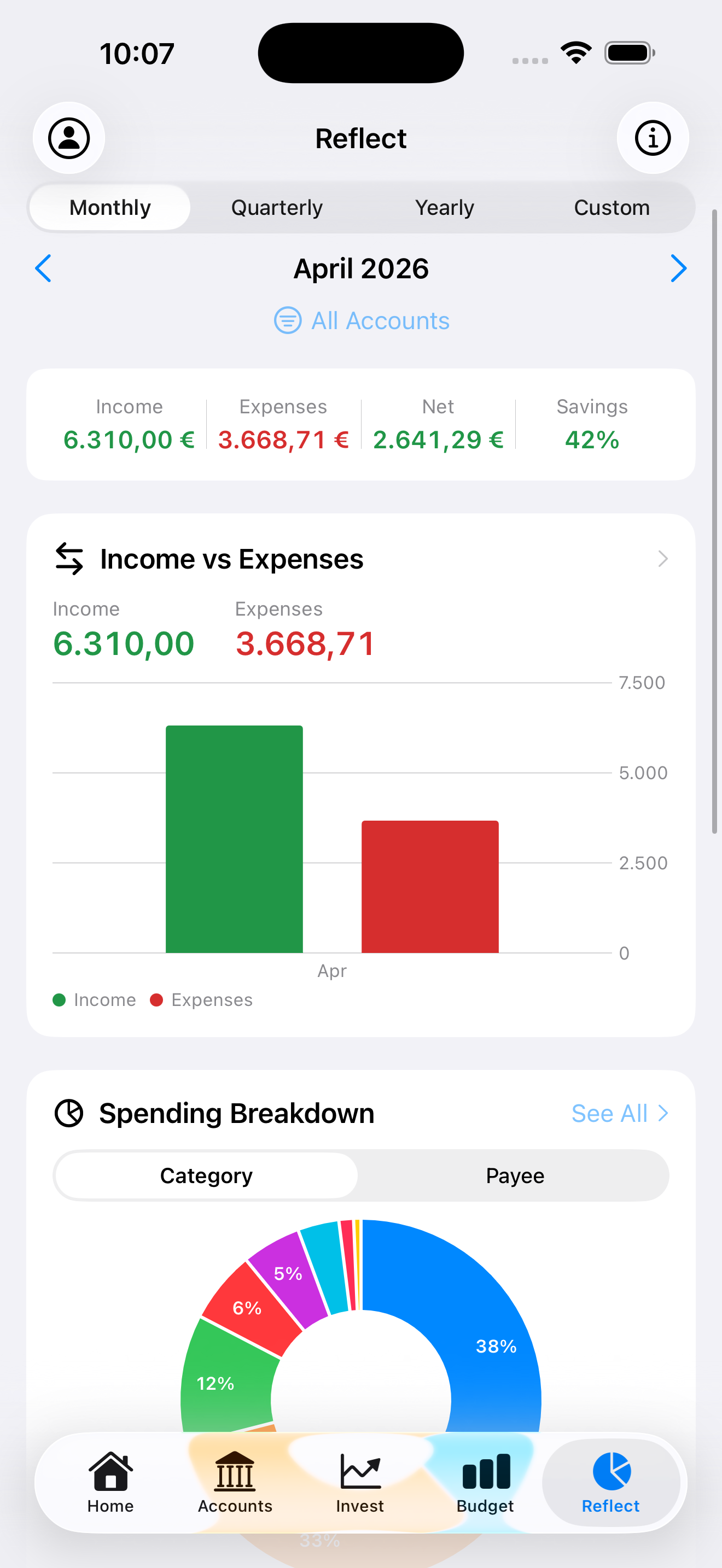
Smart analytics
See trends instantly
Clear charts and summaries make insights easy to act on.
Custom views
Build your flow
Tailor categories, dashboards, and goals to fit your routine.
Built-in clarity, not inflated claims
These product numbers come from the app itself—clearer categories, richer insights, and a consistent health score you can trust.
5
Health score factors
See your money health broken into five pillars—so you know exactly what to improve.
12
Account types
Track everything from checking to investments without forcing workarounds.
4
Account categories
Organize assets, cash, credit, and savings into a clean overview at a glance.
5
Analytics ranges
Switch between This Month, 3M, 6M, Year, and Custom to spot patterns fast.
FAQ
Everything you need to know about PennyFi, from privacy and sync to advanced budgeting and analytics on iPhone, iPad, and Mac.